
Quick Answer: No single app is best for everyone over 60, the right one depends on what your body needs right now. SilverSneakers GO is hard to beat if you want seated and chair-based routines and have a Medicare plan that covers it. Bold is built specifically around balance and fall prevention. Rival Fit isn’t a seniors-first app, but its Free Agent tier and ghost rank let you track lifting, running, and nutrition while competing only against your own past performance, with no forced leaderboard. None of this replaces a conversation with your doctor before starting something new.
Most fitness apps are built for someone in their 20s holding a phone at arm’s length under gym lighting, chasing a new personal record. That’s a real design choice, and it’s the wrong one for a lot of people over 60, where the actual goals are often different: staying steady on your feet, keeping muscle you already have, and not feeling like the app is a competition you didn’t sign up for.
This isn’t a ranked “best of” list. It’s a comparison built around what actually matters for this age group, readability, whether the app forces you to compare yourself to strangers, and whether it supports low-impact, balance-focused activity, including an honest look at where Rival Fit fits and where it doesn’t yet.
What Should a Fitness App Actually Do for Someone Over 60?
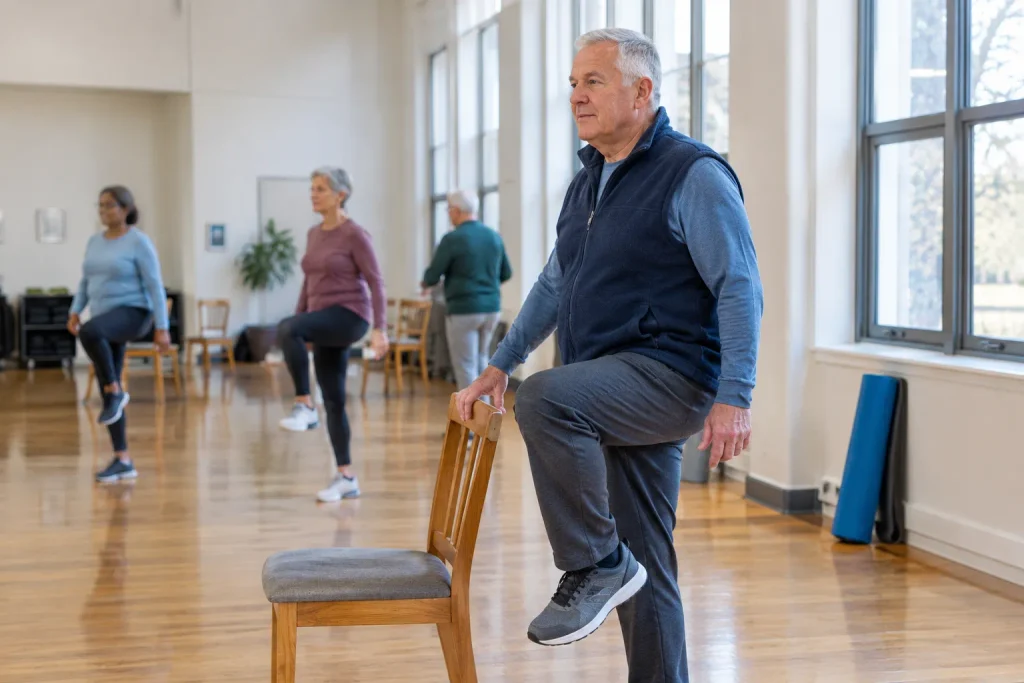
The U.S. Department of Health and Human Services’ Physical Activity Guidelines for Americans recommend that older adults get 150 to 300 minutes of moderate-intensity aerobic activity a week, do muscle-strengthening activities at least twice a week, and add multicomponent activity that specifically includes balance training, not just cardio and strength. Fewer than 15 percent of older adults currently meet the full set of recommendations, according to a related HHS report.
That balance component is the one most mainstream fitness apps skip entirely. A genuinely senior-appropriate app should support all three pieces, not just log reps and miles, and it should do it without assuming you can read small text across a gym floor or that you want your results compared against everyone else using the app.
How the Major Options Compare
| App | Best For | Cost | Social Comparison Pressure |
| SilverSneakers GO | Seated and chair-based routines, Medicare members | Free with many Medicare Advantage plans | Low, class-based, not competitive |
| Bold | Balance training and fall prevention specifically | Paid subscription | Low, individual coaching focus |
| Pacer | Building a daily walking habit | Free, with a paid tier | Low, mostly personal step tracking |
| MyFitnessPal | Nutrition and calorie logging alongside workouts | Free, with a paid tier | Low, logging-focused, minimal social features |
| Rival Fit (Free Agent) | Combined lifting, running, and nutrition tracking without forced competition | Free | Optional, off by default via ghost rank |
SilverSneakers GO and Bold are the two purpose-built options here, and if balance training or seated workouts are your main need, they’re worth starting with before anything else on this list. Pacer and MyFitnessPal are general-purpose tools that happen to work fine for this age group, mainly because they don’t push a loud social layer on you.
What Rival Fit Does Well for This Audience

Rival Fit isn’t designed exclusively for older adults, but the Free Agent tier was built around a problem this audience runs into on competitive fitness apps: being ranked against strangers who are years into their training. Ghost rank measures you against your own past performance instead, so a 68-year-old starting a walking habit isn’t compared to a 25-year-old marathoner by default.
It also combines lifting, running, and nutrition into one Unified XP score instead of three separate apps, and the Monday reset means a missed week doesn’t erase months of progress the way a daily streak counter does.
What Rival Fit Doesn’t Do Yet
In the interest of an honest comparison: Rival Fit does not currently have a dedicated seated or chair-exercise library the way SilverSneakers does, and it doesn’t program balance training specifically, the component the HHS guidelines call out separately from aerobic and strength work. It isn’t integrated with Medicare Advantage fitness benefits, so there’s no cost offset the way there is with SilverSneakers for many members. And the broader State League and tiered competition that power the rest of the app are opt-in, but they exist, so a new user does need to actively choose Free Agent and ghost rank rather than assume competition is off by default. The platform is also still in beta with waitlist-based access by state, not a fully open app today.
If seated workouts, structured balance training, or Medicare coverage are the priority, SilverSneakers or Bold are the more complete answer right now. Rival Fit is a better fit for someone over 60 who’s already active, wants to track multiple types of training in one place, and specifically doesn’t want a one-size-fits-all senior fitness label applied to what they’re doing.
Who Should Use Which App
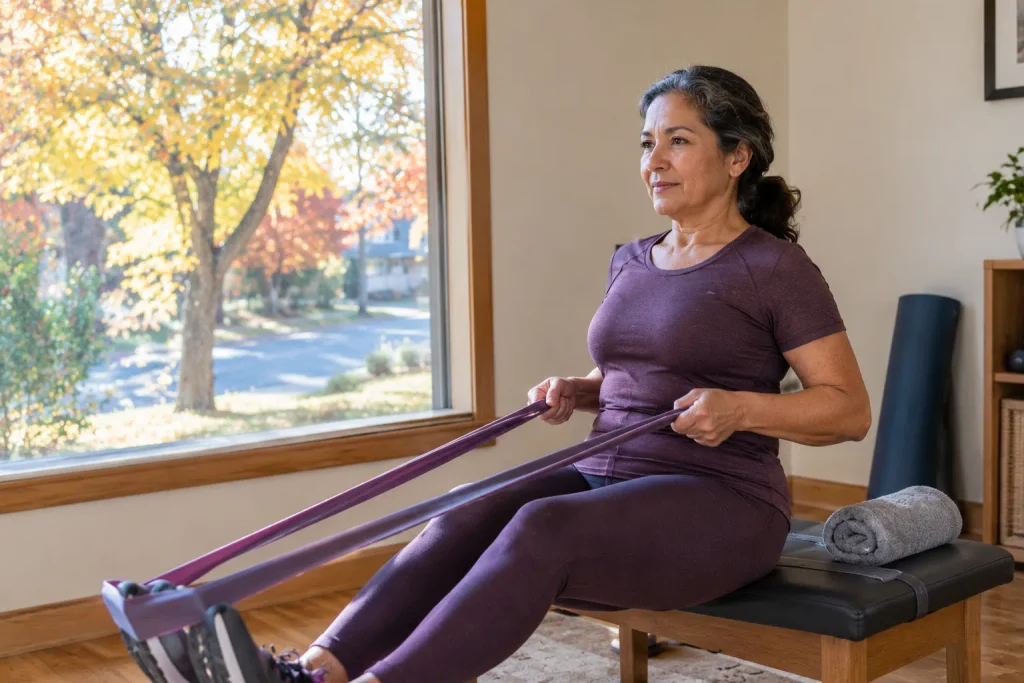
If you’re newly active or returning after a long break, start with SilverSneakers GO or Bold, both are purpose-built for that starting point and include real balance programming. If you mainly want to build a walking habit, Pacer does that one thing well. If nutrition tracking is the priority, MyFitnessPal is the established option. If you’re already training in some form, lifting, running, or both, and want it all tracked in one place without a forced leaderboard, Free Agent on Rival Fit is worth trying, with the limitations above in mind.
Frequently Asked Questions
Is Rival Fit covered by Medicare or Medicare Advantage plans?
No, not currently. SilverSneakers is the option with established Medicare Advantage coverage for many members. If cost offset through insurance matters to you, that’s a meaningful factor in SilverSneakers’ favor right now.
Do I need to be athletic to use ghost rank?
No. Ghost rank compares your current performance to your own past performance, not to other users, so it works the same way whether you’re starting from a walk around the block or returning to lifting after years away.
What’s the safest way to start a new exercise routine after 60?
Talk to your doctor before starting a new exercise program, especially if you have an existing health condition or haven’t been active recently. From there, the HHS guidelines point to a mix of moderate aerobic activity, strength training twice a week, and balance-focused movement like tai chi or chair-based balance exercises.
Can I use more than one of these apps at the same time?
Yes, and many people do, for example SilverSneakers for structured balance classes alongside Pacer for daily step tracking. There’s no requirement to pick just one, the apps above don’t overlap much in what they actually do.
Does a low-impact workout still count toward activity guidelines?
Yes. The HHS guidelines are based on intensity and consistency, not type of exercise. Brisk walking, water aerobics, and chair-based strength work all count toward the weekly aerobic and strength targets.
The Bottom Line
The right fitness app for someone over 60 depends on what the body actually needs right now, not which app has the most features. SilverSneakers and Bold are the strongest purpose-built options for seated work and balance training. Rival Fit’s Free Agent tier is a solid fit if you’re already active and want combined tracking without a forced leaderboard, but it isn’t a replacement for dedicated balance programming yet, and it isn’t covered by Medicare. Talk to your doctor before starting something new, and pick the tool that matches where you’re starting from today, not where an app assumes you already are.
Want to try tracking your own training without comparing yourself to strangers? Claim your spot and start with Free Agent and ghost rank when your state’s beta opens.